Native where it matters
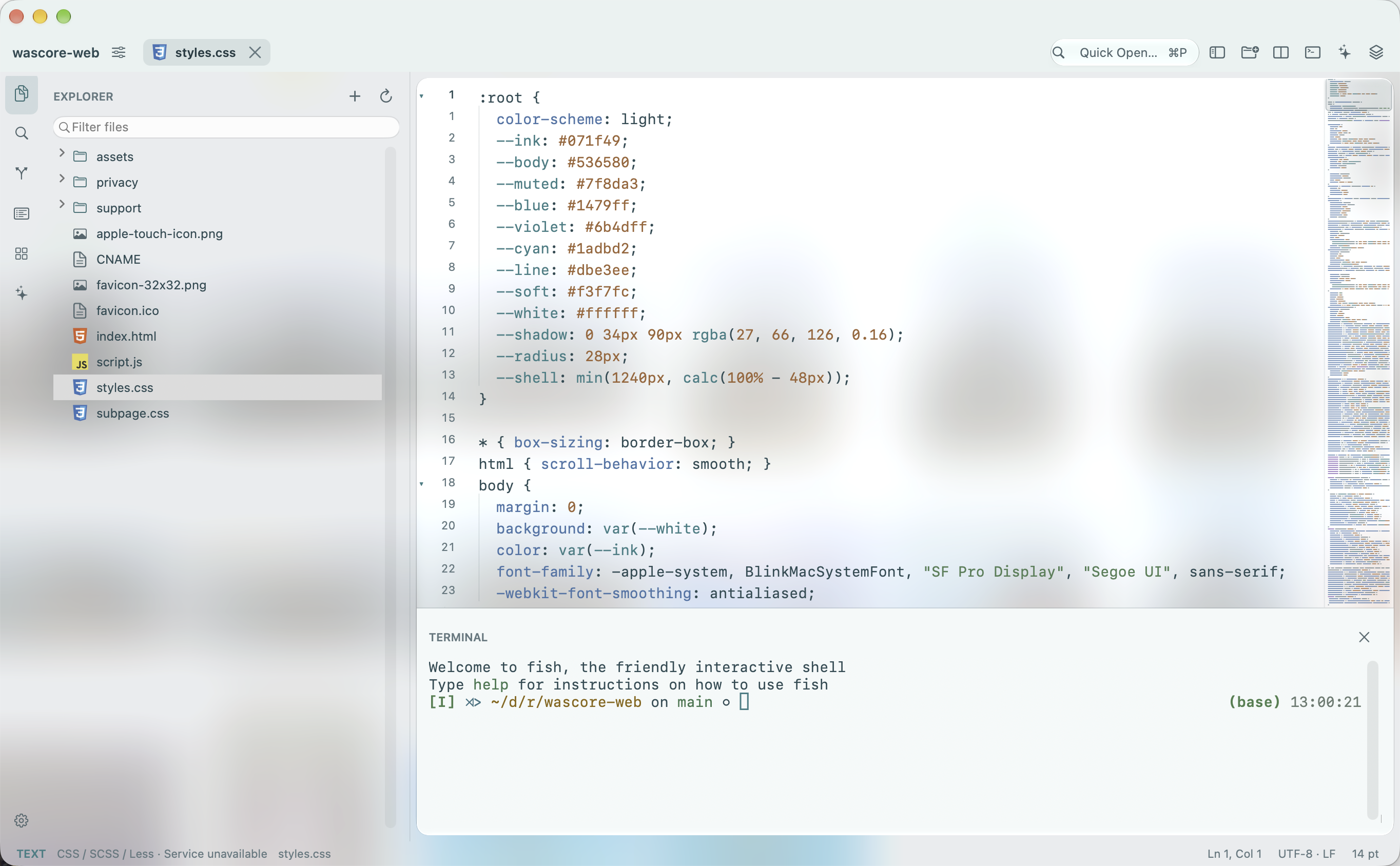
AppKit windows, native text editing and familiar Mac controls. No Chromium shell.


Native Swift. Your code, previews and Git, in one workspace.
Latest release / macOS 15.6+
Install with Homebrew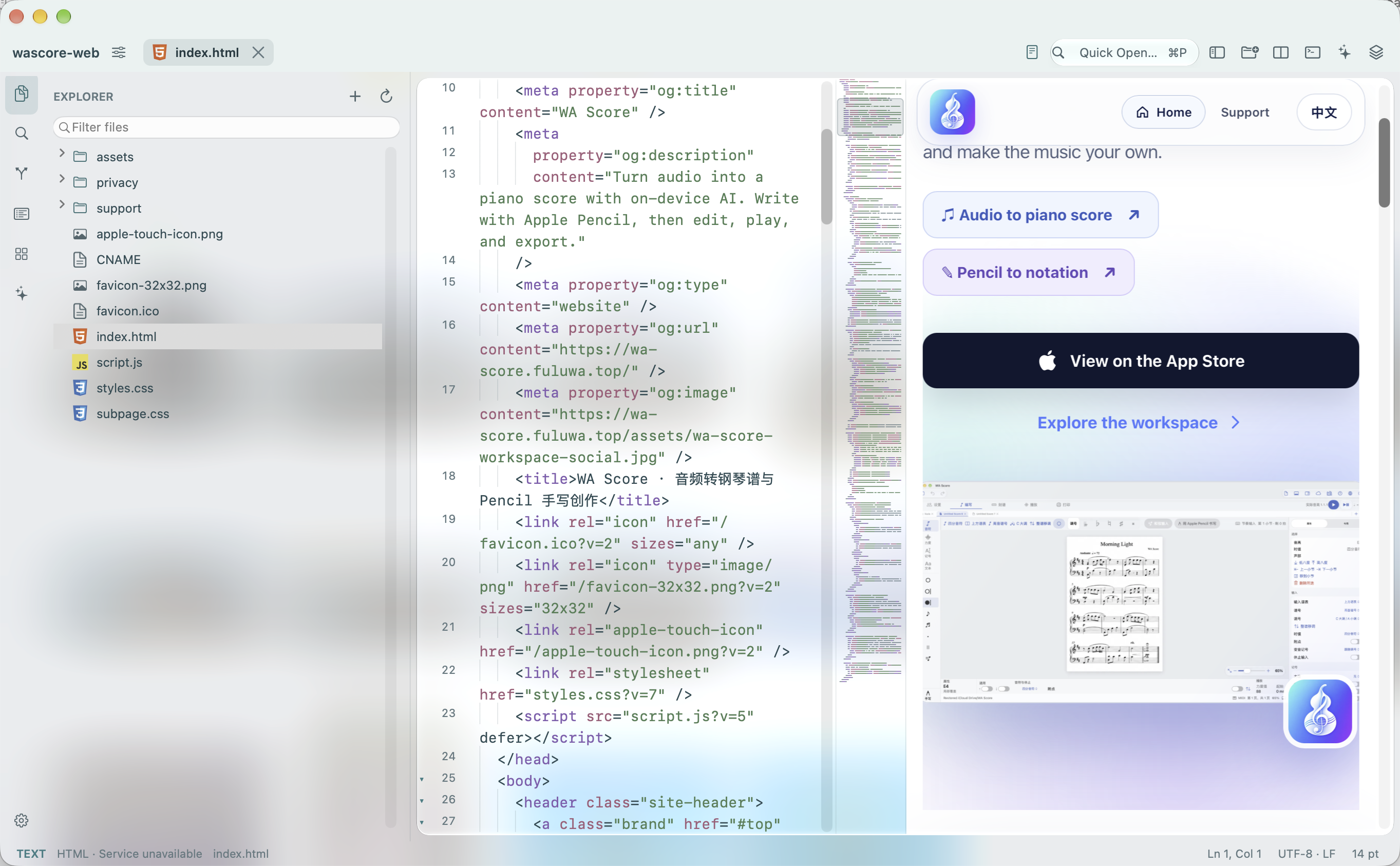
AppKit windows, native text editing and familiar Mac controls. No Chromium shell.
Quick file navigation, a command palette, multiple cursors and optional Vim modes.
Split editors, a PTY terminal, Git and live previews beside your code.
Bring your existing agent CLI into a native project workspace.
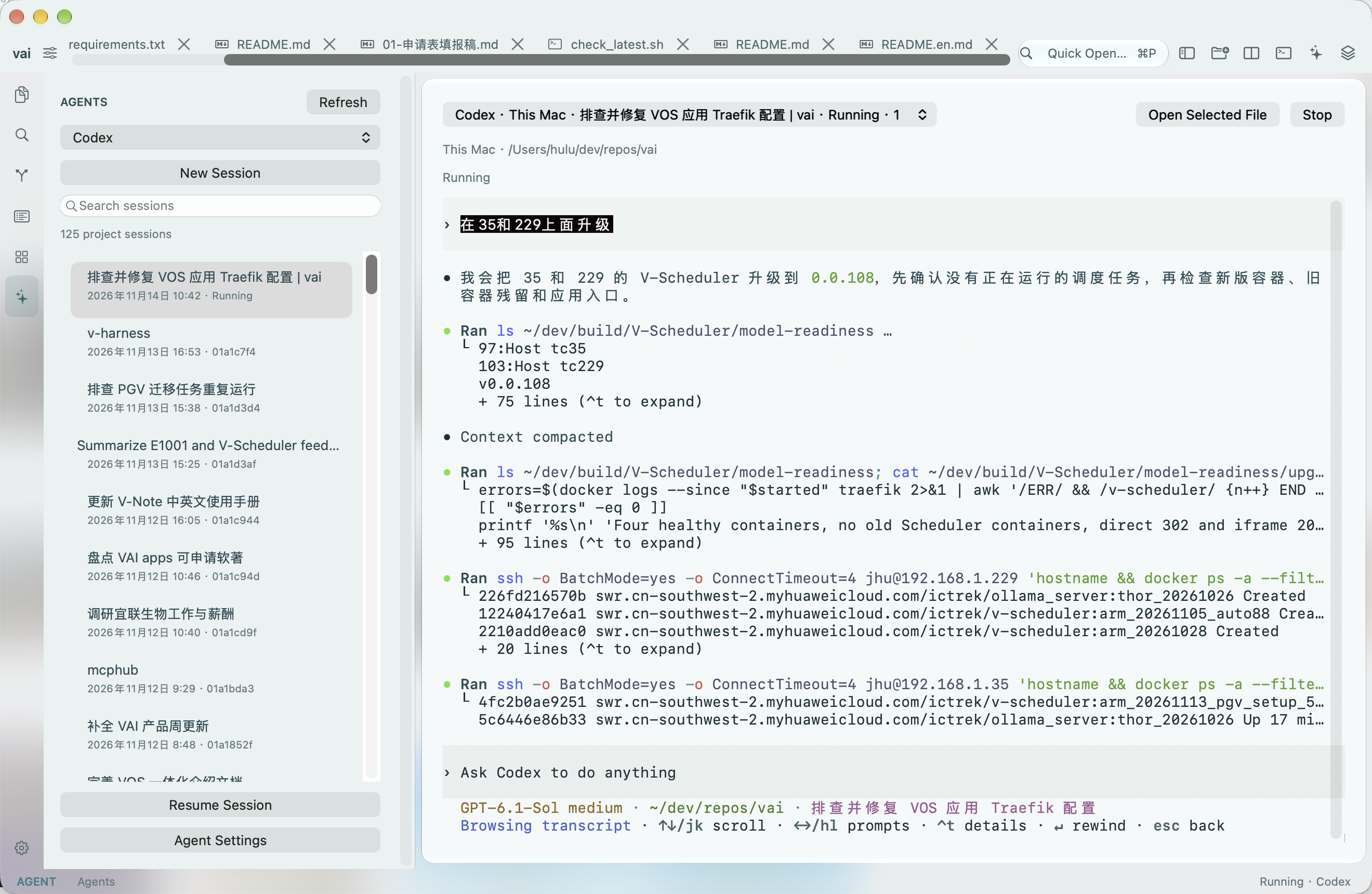
Connect an installed Codex, OpenCode, Pi, Claude Code or DeepSeek Harness CLI.
Search project sessions and resume them in the native terminal, using the agent’s own saved context.
Switch back to files while the same agent process keeps running. Clean files refresh after external edits; unsaved edits stay protected.
Use your own CLI installation and provider sign in.
Read the agent guideFrom a filename to a symbol, without losing your place.
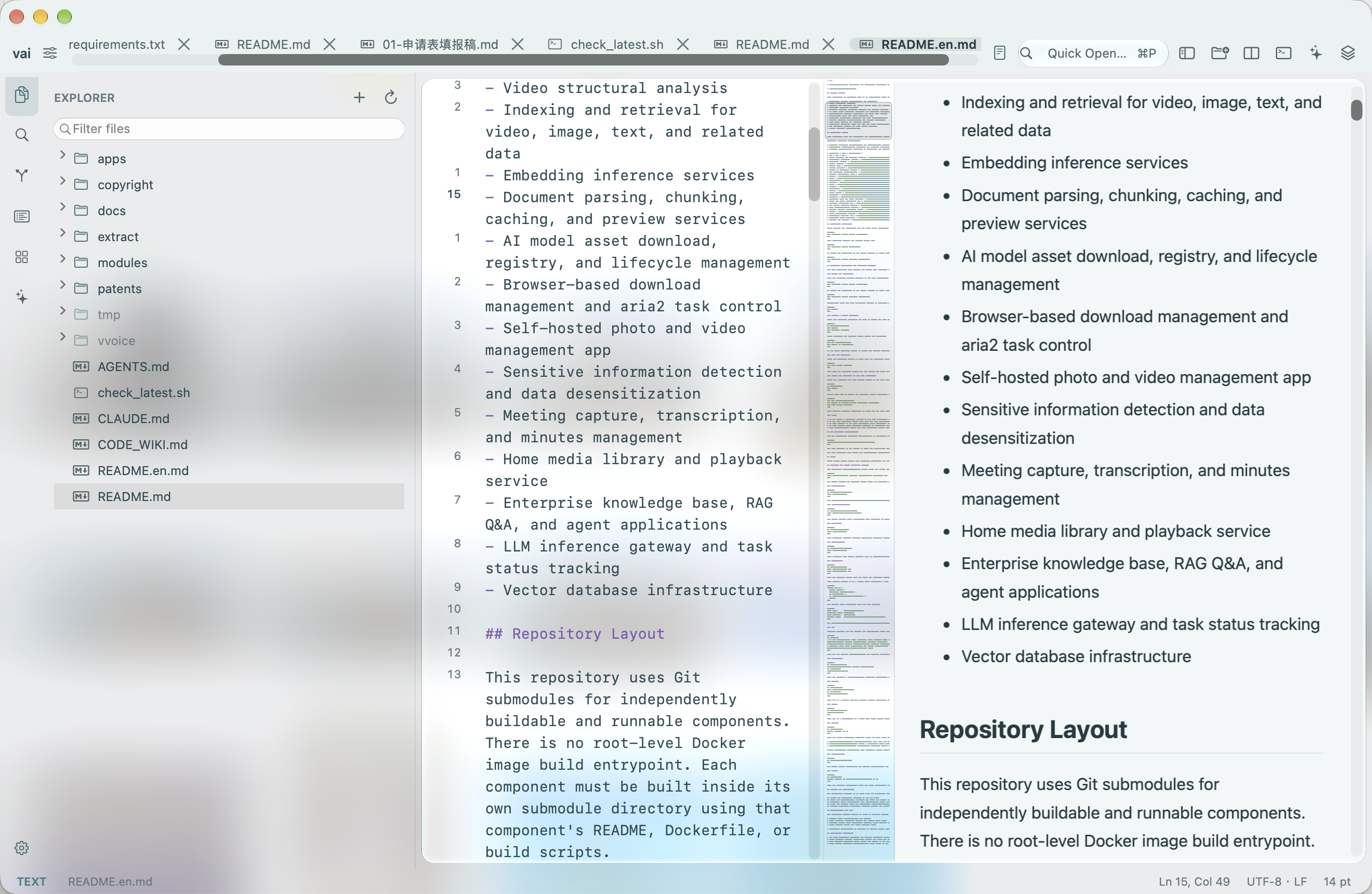
Multiple cursors, column selection, project search and in file replacement.
Symbols, definitions, references, diagnostics and rename through your language server.
Light and dark themes, fonts, folding and Normal, Insert and Visual modes.
Fewer detours between editing, running and reviewing.
Review diffs, stage changes, commit, browse history and manage submodules.
A native terminal, local or remote commands, and Markdown or HTML previews.
Browse, edit and save remote files using system SSH configuration. Python 3 required remotely.
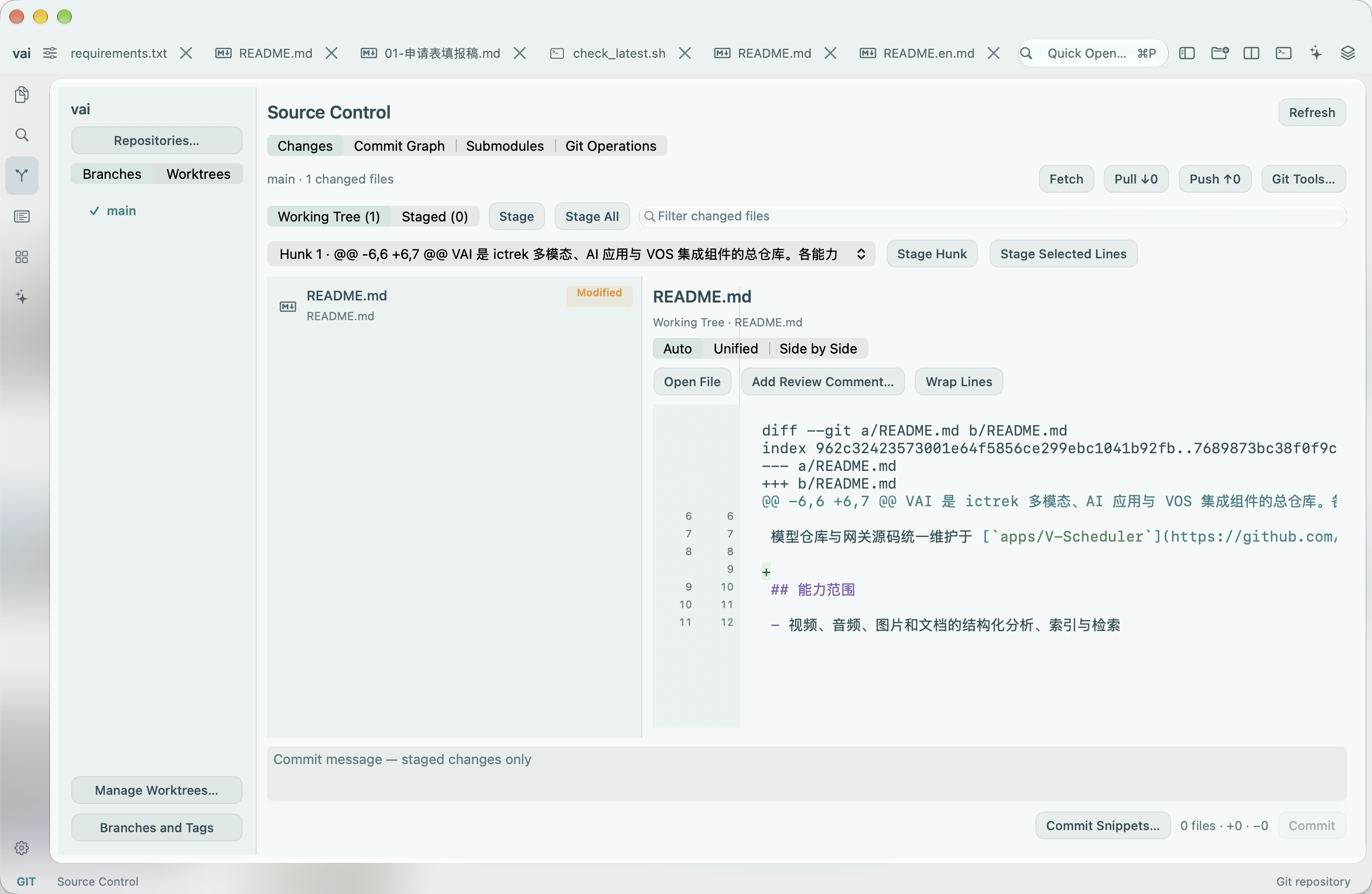
Render HTML beside its source. Keep a terminal within reach.
A native PTY terminal for local commands. Run tasks and inspect output beside your project.
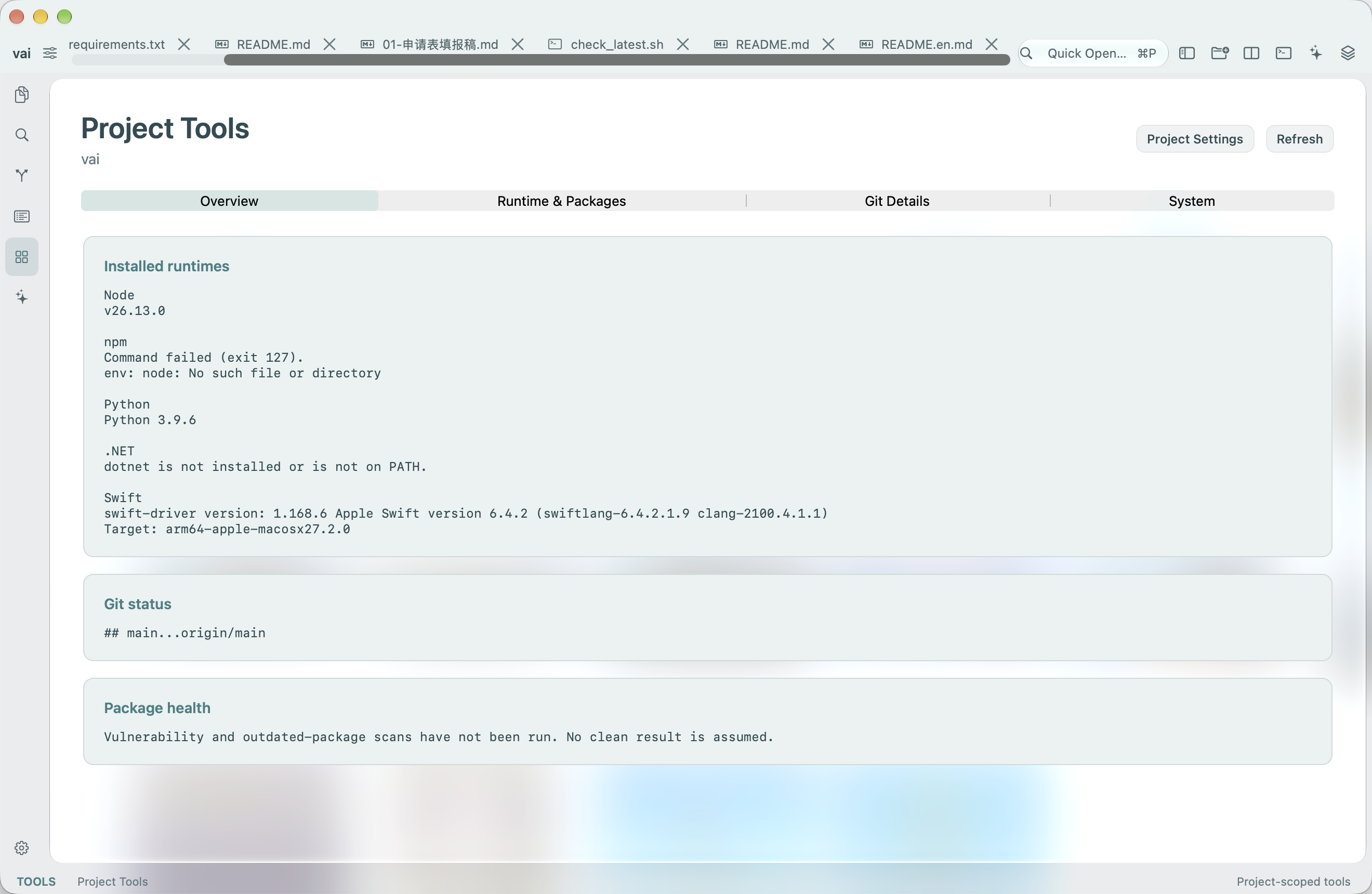
Check installed runtimes, Git status and package health in Project Tools.
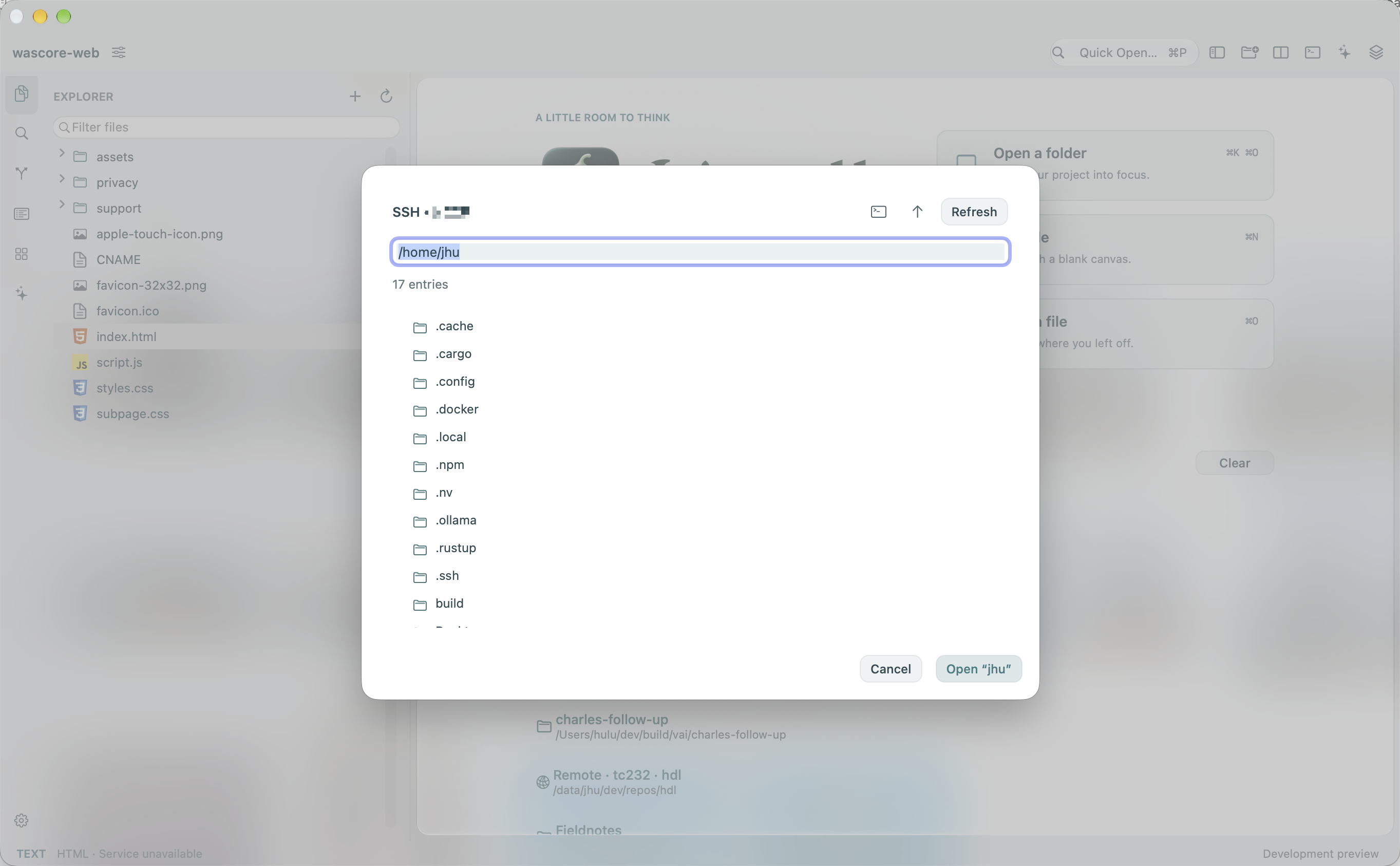
Connect using your system SSH configuration, choose a remote folder, then browse, edit and save files from Linvell. The remote host needs Python 3.
Read the SSH guideLeave room for the idea.
Keep the tools within reach.
Build with the Swift SDK and independent plugin processes.
Explore the plugin SDKMenus, shortcuts, tree views, settings and tool windows.
LSP providers, terminal tasks, DAP launch and SSH plugin hosts.
Themes, icons and snippets, including resource only packages.
Load plugins explicitly. Code runs with your user permissions; VSIX and Vim plugins are not compatible.
macOS 15.6 or later, on Apple Silicon. Releases are Developer ID signed and Apple notarized.
Select a local or remote language server and toolchain in Project Settings. Available features depend on that server.
Linvell implements native Vim editing modes and a subset of motions and commands. Full Vim compatibility remains in progress.
Local recovery snapshots preserve modified buffers. Optional auto save checks for external file conflicts.
An optional preference allowlist, including theme and editor settings. Documents, project paths and credentials stay out.
Manual installations use the in-app GitHub updater, with checksum and signing checks. Homebrew installations check their tap and show a brew upgrade command; update them through Homebrew.
brew install --cask huluxiaohuowa/tap/linvellUpgrade your Homebrew installation:
brew update
brew upgrade --cask huluxiaohuowa/tap/linvell
Requires Homebrew and macOS 15.6+. This Linvell-maintained tap distributes the signed, notarized Universal app.
Actively developed. Explore the current capabilities and limits.
Release notes